PayPal
Partnero integrates with PayPal Mass Pay to pay all your affiliates and partners in one batch, directly from your Partnero account.
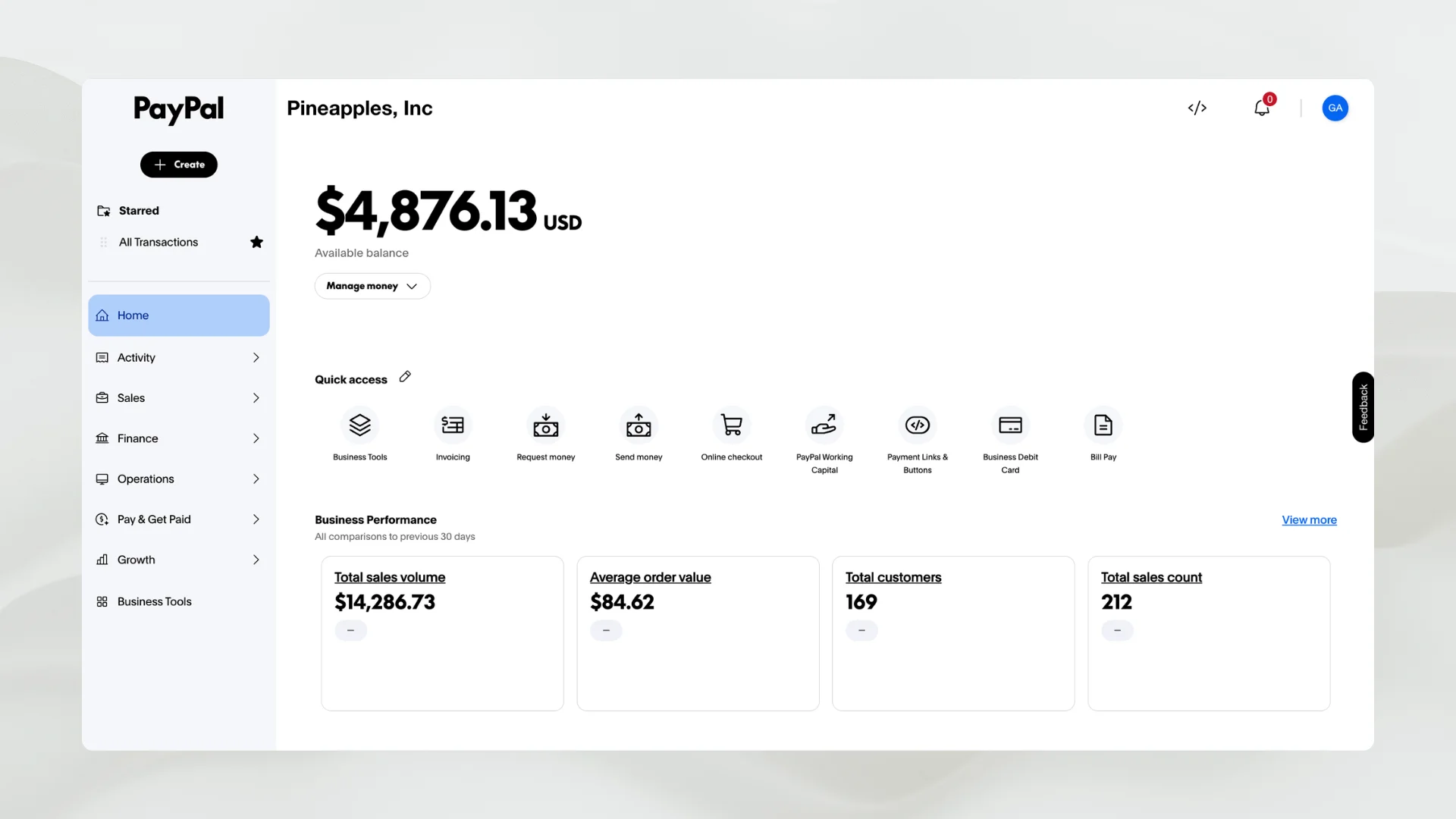
PayPal is a global online payment system for sending and receiving money securely. Once connected, PayPal becomes a payout method in Partnero: select the payout requests you want to settle and send them all through PayPal Mass Pay in a single action. Works with automated payouts if you'd rather run this on a schedule.
Requirements
A PayPal Business account with Mass Payments enabled. How to enable Mass Payments on PayPal.
How it works
- Enable PayPal Mass Payments on your PayPal account (setup guide).
- Connect PayPal to Partnero (integration guide).
- In your program, go to Payouts under Finances.
- Click Mass Pay in the upper right corner.
- Select the payments you'd like to process.
- Click Proceed next to PayPal Mass Pay.
Read more about automated payouts here.
FAQ
Yes. Partnero integrates with PayPal Mass Pay so you can pay affiliates and partners in bulk from Payouts under Finances.
A PayPal Business account with Mass Payments enabled. Setup takes a few days for PayPal to approve.
Partnero doesn't add a fee on top. PayPal's own transaction fees apply. See PayPal's current fee schedule for exact rates and country coverage.
Yes. See automated payouts for setup.

Affiliate and referral program software trusted by 3,000+ businesses. Connect with Stripe, Paddle, Shopify and more.


Product updates, affiliate marketing tips, and growth insights.